
The right Buildertrend alternative depends on the workflow you need to improve. Compare JobTread for estimating and job costs, Buildend for project financials and approvals, Contractor Foreman for broad coverage at published prices, Fieldwire for field coordination, and JobNimbus for roofing sales and production.
Buildertrend brings scheduling, client communication, and financial tools together. If your team still updates budgets in spreadsheets, chases change approvals by email, or reenters costs into accounting, though, you have a reason to examine the fit - not just collect more features.
For construction leaders and project administrators, a switch also means moving records and teaching office and field teams a new process. A replacement needs to justify that work; sometimes a focused supplement is enough.
This guide compares documented workflows, accounting connections, pricing, and implementation considerations. Buildend is our product, but recommendations follow buyer fit. This is desk research, not hands-on testing - whether you are replacing software, buying your first platform, or adding capabilities as you grow.
Quick refresh: What does Buildertrend offer?
Buildertrend combines project execution, client communication, and financial management for home builders, remodelers, and specialty contractors. Its platform and pricing page lists:
That breadth matters when comparing alternatives: a drawing-and-task tool may solve a field problem without replacing the same sales, client, and financial workflows.
Project financial management is not the same as running your accounting or payroll system. Buildertrend's QuickBooks integration documents two-way information transfer, including moving job-specific QuickBooks expenses into Buildertrend budgets. Evaluate the handoff between systems, not just the financial dashboard.
Buildertrend pros and cons
Buildertrend's strength is its breadth. The reasons to look elsewhere are more specific: a workflow mismatch, a required connection that does not meet your needs, or a better-fit commercial proposal.
Pros
Cons and buying considerations
Before switching, identify whether your remaining spreadsheet work comes from configuration or an unsupported process. Resolving a setup problem may be less disruptive than replacing software that otherwise fits.
Sources: Buildertrend pricing and features, QuickBooks integration.
Buildertrend vs. top construction project management alternatives: Comparison table (2026)
Shortlist by workflow first, then compare the cost of the plan you actually need. Product order is not a ranking. Prices are USD, checked October 8, 2026; annual-billing equivalents are labeled. Product names link to vendor pricing pages.
These are documented capabilities, not performance scores. The reviews below explain workflow fit and link to feature, integration, and user-review evidence. Confirm current prices and inclusions before purchasing.
5 best Buildertrend alternatives in 2026
The following reviews use the same framework: buyer fit, financial work, project and team work, connections, trade-offs, and pricing. Recommendations identify when to shortlist a product; they are not claims of tested superiority.
1. JobTread
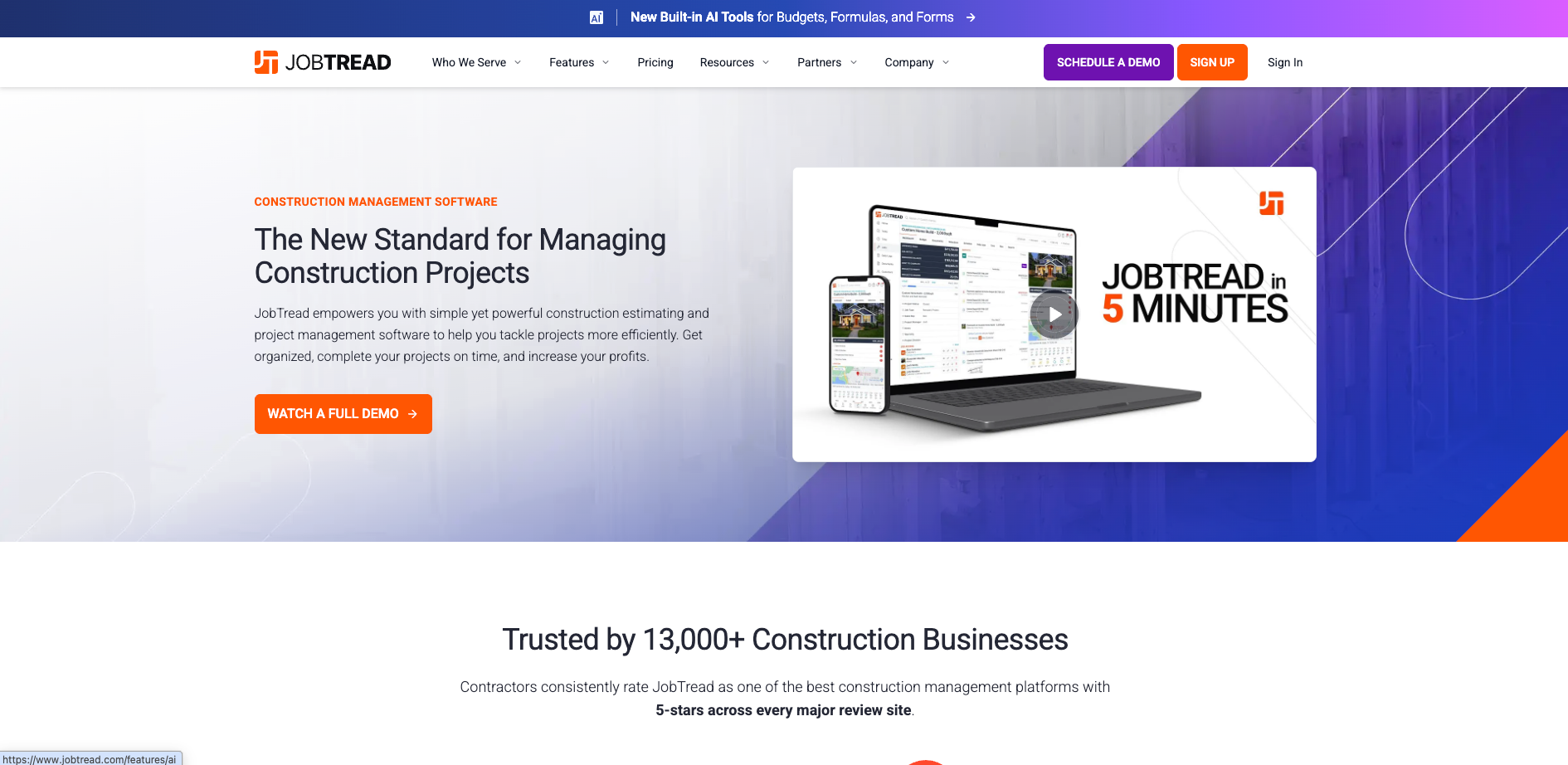
JobTread is construction management software that connects estimating, budgeting, job costing, and customer and vendor communication.
Who is JobTread best for?
Home builders, remodelers, and small to midsize contractors that want a connected path from estimate to job-cost reporting, particularly when using QuickBooks Online.
Key capabilities
Pros
Cons
Pricing
JobTread pricing lists $199/month plus internal users starting at $20/month each. Tiered price breaks begin after 10 users, and annual subscriptions save 20%. There are no setup fees; implementation, training, and support are included.
Why choose JobTread over Buildertrend?
JobTread is worth comparing when you want an estimate-to-job-cost workflow, documented QuickBooks Online mappings, and published pricing with all features included. Buildertrend also covers financial and client workflows. Choose JobTread if a side-by-side estimate, vendor bill, and change-order test shows a better fit for your team at an acceptable total cost.
2. Buildend
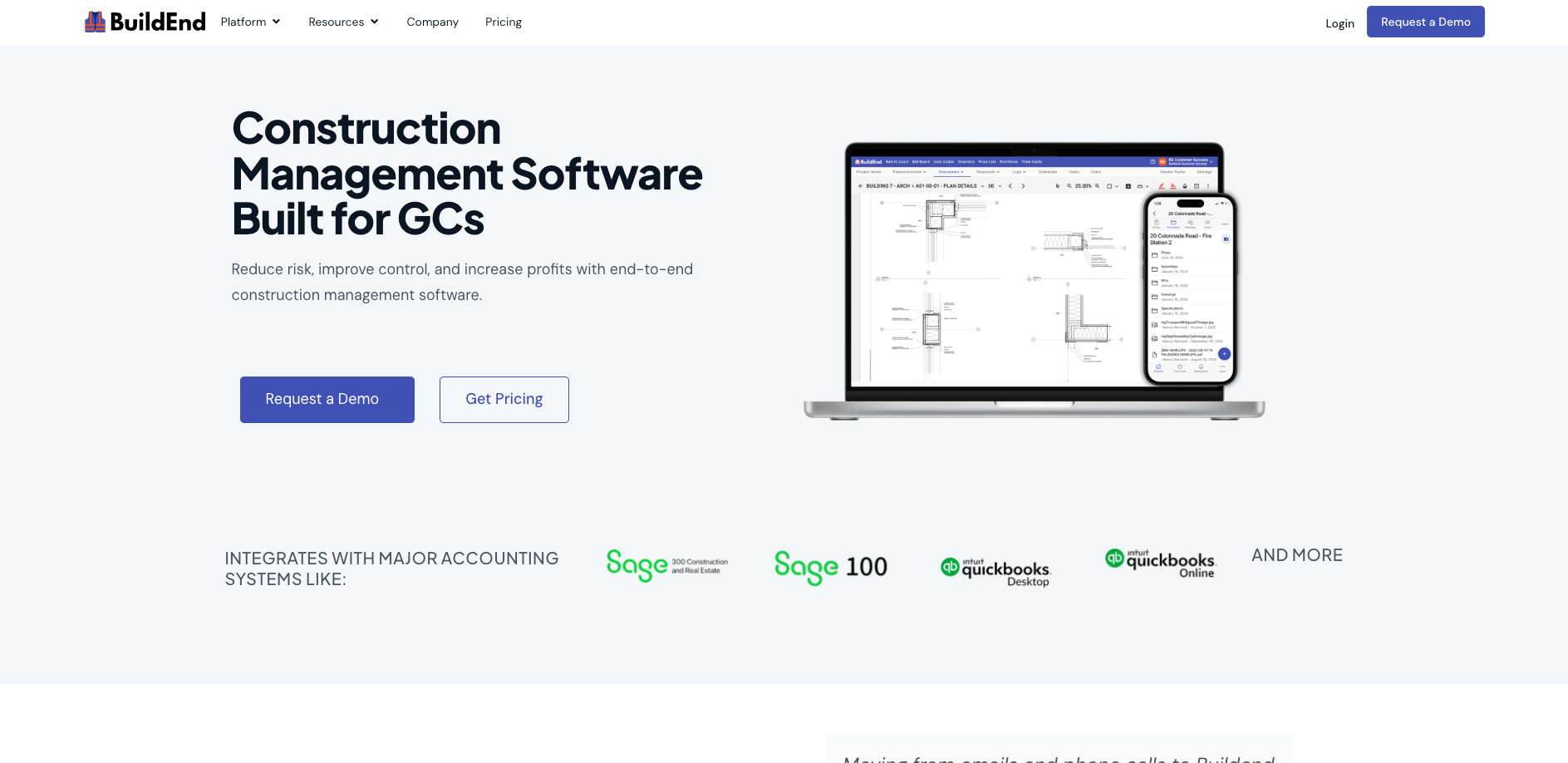
Buildend is construction management software that combines project financials, configurable approval workflows, and accounting integrations for growing contractors.
Who is Buildend best for?
Growing contractors - particularly commercial GCs - that still reconcile project finances in spreadsheets and need cost-code budgets, commitments, approval workflows, and accounting connections evaluated together.
Key capabilities
Pros
Cons
Pricing
Buildend pricing uses a customized platform fee, with unlimited users, unlimited storage, all modules, and no upgrade tiers. Request an itemized implementation scope and cost alongside the subscription proposal.
Why choose Buildend over Buildertrend?
Buildend belongs on the shortlist when you need to evaluate formal approval chains and commitment-to-actual-cost visibility with a named Sage or QuickBooks connection. Buildertrend also offers budgets, permissions, and integrations; compare the exact approval and accounting handoffs your current setup struggles with.
Buildend offers hands-on onboarding. Ask what it includes for your office and field users, what records can migrate, and what the rollout costs. Request a workflow-focused demo with a sample budget and approval process - not just a feature tour.
3. Contractor Foreman
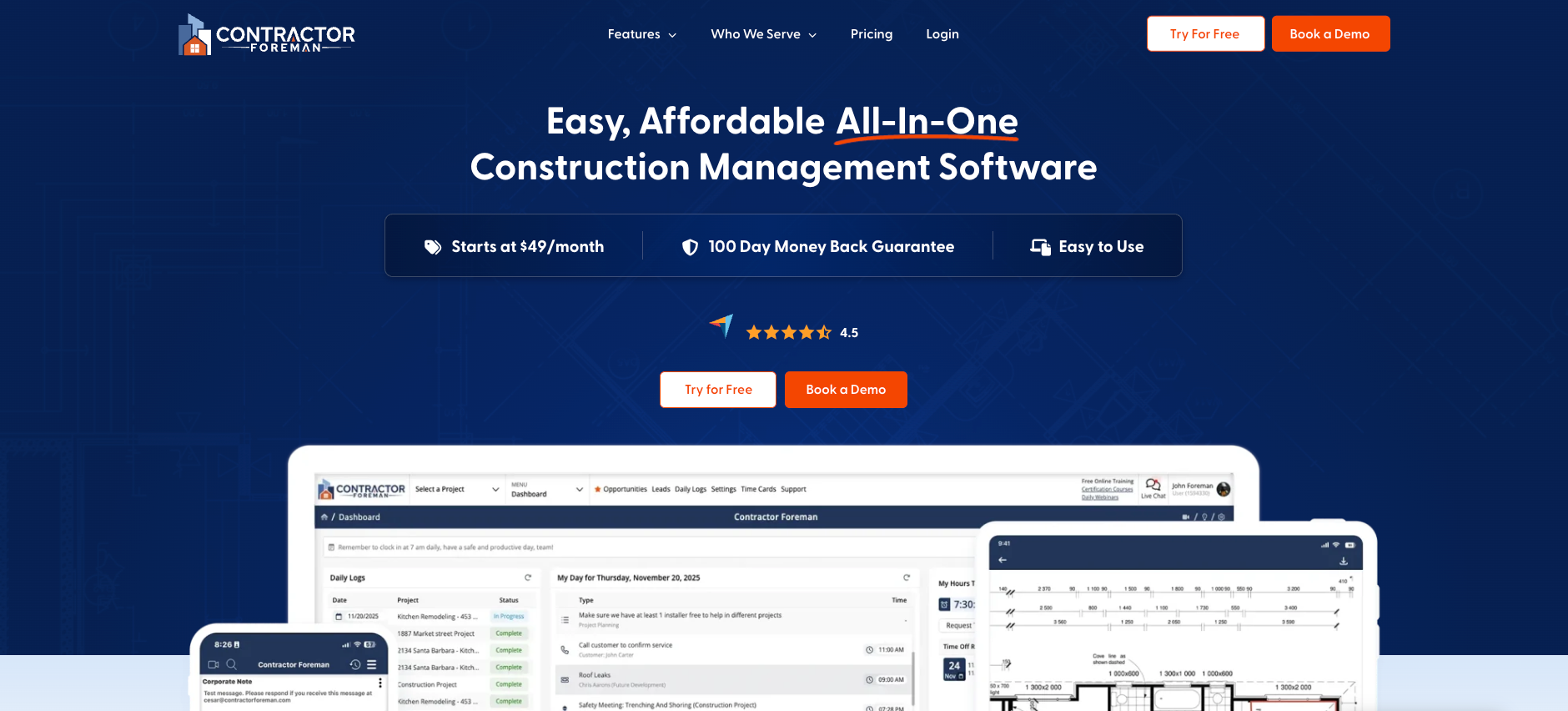
Contractor Foreman is an all-in-one construction management platform covering project administration, financial tools, time cards, and documents at published company subscription prices.
Who is Contractor Foreman best for?
Small to midsize residential or commercial contractors comparing broad functionality against a defined software budget.
Key capabilities
Source: Contractor Foreman plans and features. Confirm inclusion on the plan you would purchase.
Pros
Cons
Pricing
The annual Basic plan is $588/year, advertised as $49/month, for one user. Annual Unlimited is $3,984/year, or $332/month, with unlimited users. The monthly Unlimited option is $399/month. Fees are for the company, not per user; verify features and training on the selected plan.
Why choose Contractor Foreman over Buildertrend?
Contractor Foreman is worth comparing when a defined software budget is central to the decision. Its company-priced plans make the subscription comparison more concrete than a quote alone. Choose it if the required plan costs less overall and your administrator can complete the scheduling, form, and financial workflows without unacceptable workarounds.
4. Fieldwire

Fieldwire is field-first construction software for coordinating work through drawings, tasks, punch lists, inspections, and jobsite records.
Who is Fieldwire best for?
Superintendents, foremen, and specialty contractors prioritizing drawing-based site coordination. It can also be evaluated as a field supplement when existing office and financial systems already fit.
Key capabilities
Sources: Fieldwire overview, plan comparison.
Pros
Cons
Pricing
Fieldwire's USD annual pricing is Pro $39, Business $64, and Business Plus $89 per user/month, billed annually. Free Basic allows five users, three projects, and 100 sheets. Custom contracts are available; compare the tier that includes your required workflows.
Why choose Fieldwire over Buildertrend?
Evaluate Fieldwire when field users need a plan-and-task-centered workflow rather than another broad business platform. If Buildertrend already handles office and financial work acceptably, test a supplement before a full replacement. Define how records move between tools and who keeps them current; this is not a claim of a verified Buildertrend–Fieldwire integration.
5. JobNimbus
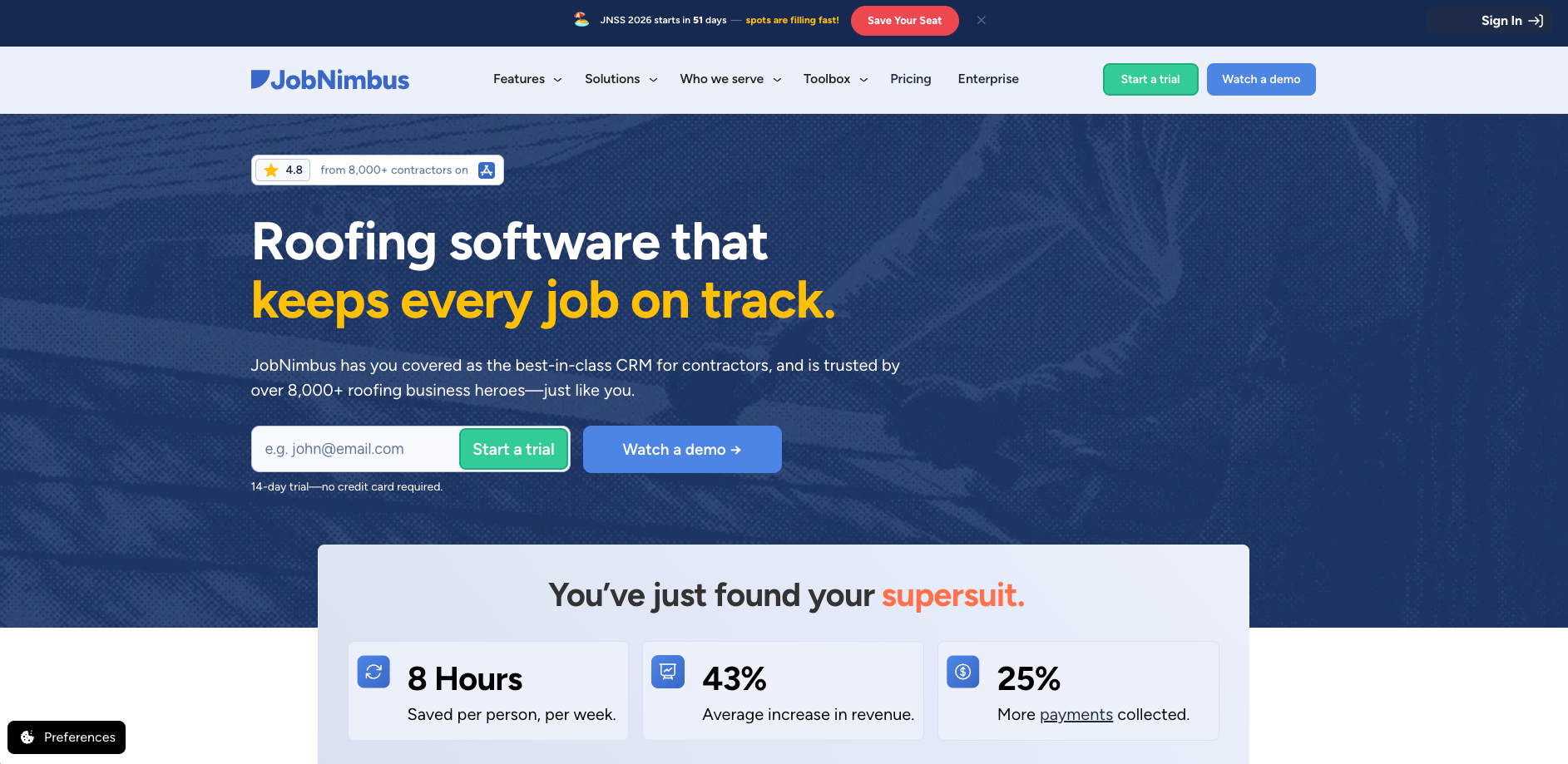
JobNimbus is CRM and project management software for roofing contractors, connecting lead tracking, sales, production, invoicing, and payments.
Who is JobNimbus best for?
Roofing and exterior contractors that want to manage the path from initial inquiry to completed, paid job in a contractor-focused system.
Key capabilities
Source: JobNimbus roofing software.
Pros
Cons
Pricing
JobNimbus pricing requires a custom quote. Essentials covers up to three users, Pro up to 10, Premium up to 19, and Enterprise accommodates 20+. All plans include implementation guidance; more hands-on Professional Services are paid options. Confirm add-ons and the plan required for your user count.
Why choose JobNimbus over Buildertrend?
JobNimbus is a stronger candidate for evaluation when roofing lead follow-up, production stages, and supplier ordering outweigh general builder workflows. Test a lead-to-payment journey, then the expense records and mobile tasks your team needs. Choose it if those trade-specific workflows fit better - not simply because the vendor specializes in roofing.
How to choose the right alternative
Evaluate complete workflows, not feature counts. Write down your three most costly workarounds, the roles involved, and what must change. Use those requirements for every demo, with financial control and accounting compatibility treated as mandatory if they are the reasons you are switching.
1. Separate replacement from supplementation
If accounting and client workflows work but the field needs better drawing coordination, evaluate a focused supplement. If changes, commitments, and actual costs remain disconnected, test a broader replacement. Include what already works in your requirements so a switch does not discard it.
2. Test financial control with one complete transaction chain
Give each vendor the same scenario: an original budget, a subcontract or PO, a partial invoice, a scope change, and an actual cost recorded in accounting.
Ask the vendor to show:
This is more useful than asking whether the product “has job costing.”
3. Verify the accounting connection at record level
Bring your accountant or bookkeeper. Confirm the exact accounting product and version, then ask for evidence at record level:
For each record, document the originating system, sync direction, timing, and exception owner. Test an edited record, a missing cost code, and a failed connection. “Two-way sync” is not enough detail on its own.
4. Let the workflow champion and field users test daily work
Have your project administrator and a superintendent perform a drawing revision, task assignment, document search, and approval on the devices they use. Add a time correction and a safety record if those workflows are in scope. Test connectivity conditions that matter to your sites; do not assume every app feature works offline.
If time feeds payroll, verify the reviewed hours, cost codes, and corrections at the handoff; time capture alone is not payroll integration. Have the future administrator update a template or workflow, and record where users need help.
5. Get a migration and onboarding scope before signing
Ask which records can transfer from Buildertrend and which require an archive or manual work. Include contacts, files, drawings, cost codes, open commitments, balances, and approval history in the discussion; none should be assumed transferable.
Agree on:
6. Compare the first-year cost and the exit plan
Request quotes for the same required workflows and actual user count. Include subscription, setup, integrations, training, optional services, retained tools, and internal administration time. Repeat the comparison at the user count and project workload you expect as the company grows.
Request evidence for required security controls and audit records, plus written export, cancellation, and post-cancellation access terms. A hosting provider's certification is not evidence of the software vendor's own certification.
Score each requirement as meets requirement, needs a workaround, does not meet requirement, or not demonstrated. Resolve unknowns on mandatory requirements before deciding; do not count an unanswered question as a pass.
Wrap up: Which construction project management software fits your team?
Build your shortlist around the work that needs to improve:
Take your two strongest candidates through the same workflow test with your administrator, field representative, and accountant. Choose only after the important handoffs are demonstrated and the migration scope and total cost are clear. That gives your construction or operations leader a stronger basis for approval than a feature checklist alone.
FAQs
What is the best alternative to Buildertrend?
There is no universal best alternative. Shortlist JobTread for estimating and job costs, Buildend for project financials and approvals, Contractor Foreman for broad tools with published pricing, Fieldwire for field coordination, or JobNimbus for roofing sales and production. Choose based on demonstrated workflow fit, accounting compatibility, total cost, and the effort of moving your team.
Why would a company switch from Buildertrend?
Consider switching when important workflows still require spreadsheet reconciliation, duplicate entry, or approval chasing, and your existing setup cannot resolve those problems acceptably. Cost or a change in project requirements can also prompt evaluation. First separate configuration problems from product limitations; then test whether a replacement improves the specific handoff enough to justify migration and training.
Is Buildertrend still worth considering?
Yes. Buildertrend combines scheduling, selections, client communication, financial tools, accounting connections, and customizable permissions, with unlimited users. Staying is sensible when those workflows fit and you can fix the remaining gaps through configuration or a focused supplement. Compare that path with the cost, data work, and training required for a replacement.
Which Buildertrend alternative is cheapest?
Fieldwire has a limited free plan. Contractor Foreman starts at $49/month billed annually for one user, while its annual Unlimited plan is $332/month equivalent. Those are different scopes, not an overall cost ranking. Compare the required plan, paid users, implementation, integrations, and retained tools to identify the cheapest workable option for your company.
Which alternative is easiest to implement?
No option is established as easiest for every team. JobTread includes implementation, training, and support; JobNimbus includes implementation guidance; Buildend scopes implementation costs by requirements. Ask each vendor to assess the same data, accounting connection, and workflows. Then pilot with your administrator and field users to judge effort rather than relying on onboarding claims alone.
Do Buildertrend alternatives integrate with QuickBooks or Sage?
Yes, several list accounting connections. JobTread and Contractor Foreman document QuickBooks Online; Buildend lists QuickBooks Online, Desktop, Sage 100, and Sage 300 CRE; JobNimbus lists QuickBooks. Confirm your version, supported records, sync directions, timing, and error handling. A connector name alone does not establish that your commitment, billing, and actual-cost workflow is covered.
Can I switch software while projects are active?
It depends on the migration scope and records involved. Before moving an active job, confirm which documents, commitments, balances, and approval records transfer, and reconcile the results with accounting. Consider keeping existing projects in Buildertrend through closeout while piloting new work elsewhere. Do not assume a vendor's data-import service preserves a complete active-project history.