Your project budget lives in three places. The PM tool holds the commitments, a spreadsheet holds the change orders, and QuickBooks or Sage holds the actual costs. Every week someone re-keys the numbers between them, and every month someone reconciles the totals before anyone trusts the job cost report.
That gap costs more than admin time. A subcontract that grows through approved change orders is already over budget before the first invoice arrives. If the change order sits in a side spreadsheet, the overrun shows up at month-end close or at closeout, when the margin is already gone.
Most project management budget tracking tools track hours against a fee, which is how agencies and consultancies budget. A construction budget moves through cost codes, subcontracts, purchase orders, change orders and invoices, and it has to hand those records to accounting. This guide compares seven tools on that standard.
In this guide, you will find:
- A comparison table of seven tools by type, best fit, change order handling, accounting connection and starting price.
- The four types of budget tracking tools and when each one makes sense for a contractor.
- A one cost line test to run in every demo before you sign.
We selected tools that rank most often for this search, plus the construction platforms contractors compare most. Capabilities and prices come from each vendor's official pages, checked in November 2026, and cons come from dated user reviews. We did not test the products hands-on. Buildend publishes this guide and is listed first because it is built for the reader of this guide. The order is not a score.
Project management budget tracking tools compared at a glance
Construction PM platforms with financials (Buildend, Procore, Buildertrend) handle commitments and change orders natively, while general work management and professional-services tools need manual columns or templates to do the same job. Use the table below to narrow your shortlist.
| Tool | Type | Best for | Commitments and change orders | Accounting connection | Starting price |
|---|---|---|---|---|---|
| Buildend | Construction PM with financials | GCs and specialty contractors with 20 to 60 employees whose financials live in spreadsheets | Native | QuickBooks Online and Desktop, Sage 100, Sage 300, Yardi | Custom platform fee, unlimited users |
| Procore | Construction PM with financials | Commercial GCs on a construction accounting system | Native | 14 Procore-built connectors | Custom, based on products and annual construction volume |
| Buildertrend | Construction PM with financials | Residential builders and remodelers | Native purchase orders and change orders | QuickBooks Online, QuickBooks Desktop, Xero | Custom quote |
| QuickBooks Online | Accounting with job costing | Small contractors who keep job cost in the books | Purchase orders native; change orders vary by plan | It is the ledger | Plus $140/month, Advanced $340/month |
| Smartsheet | General work management | Teams that want an Excel-style grid with sharing | Templates and manual columns | QuickBooks Online through third-party connectors | Pro $9 per member/month, billed yearly |
| ClickUp | General work management | Small teams building their own budget fields | Manual custom fields | Native QuickBooks Online sync on higher plans | Business $17 per user/month, billed yearly |
| Scoro | Professional-services budgeting | Design and engineering firms billing by hours | Purchase orders native; change orders not verified | QuickBooks and Xero native; Sage Intacct paid | From €15 per user/month, 5-user minimum |
The table shows a split that feature lists hide. The tools fall into four types, and each type answers a different budget question.
The four types of project management budget tracking tools
Project management budget tracking tools fall into four types: general work management, professional-services budgeting, construction project management with financials, and accounting software with job costing. All four show a "budget vs. actual" number, but each one calculates it from different records:
- General work management tools (Smartsheet, ClickUp) track whatever columns you build. Commitments and change orders are rows you update by hand.
- Professional-services budgeting tools (Scoro) track hours against rates and fees. They fit design and engineering firms that bill by time, not GCs managing subcontracts.
- Construction project management tools with financials (Buildend, Procore, Buildertrend) track budgets by cost code, commitments, change orders and invoices in one place, then pass the records to accounting.
- Accounting software with job costing (QuickBooks Online) tracks actual costs posted to the books. It is the system of record for money, but it does not run the workflow that produces commitments and change orders.
For a contractor, the comparison that matters is between types 3 and 4, and how well they hand records to each other:
"Project management, accounting, payroll and forecasting tools must speak to one another so information flows automatically rather than through manual consolidation."
- Jessica Martin, CFO, Nox Group, writing in Construction Executive
Each tool below is reviewed against that standard: who it fits, how it tracks a construction budget, where reviewers report problems and what it costs.
7 best project management budget tracking tools for construction teams
The best project management budget tracking tool for a construction team connects budget, commitments, change orders and invoices by cost code and hands them to your accounting system with the fewest manual steps. The seven reviews follow the same structure so you can compare them side by side.
1. Buildend
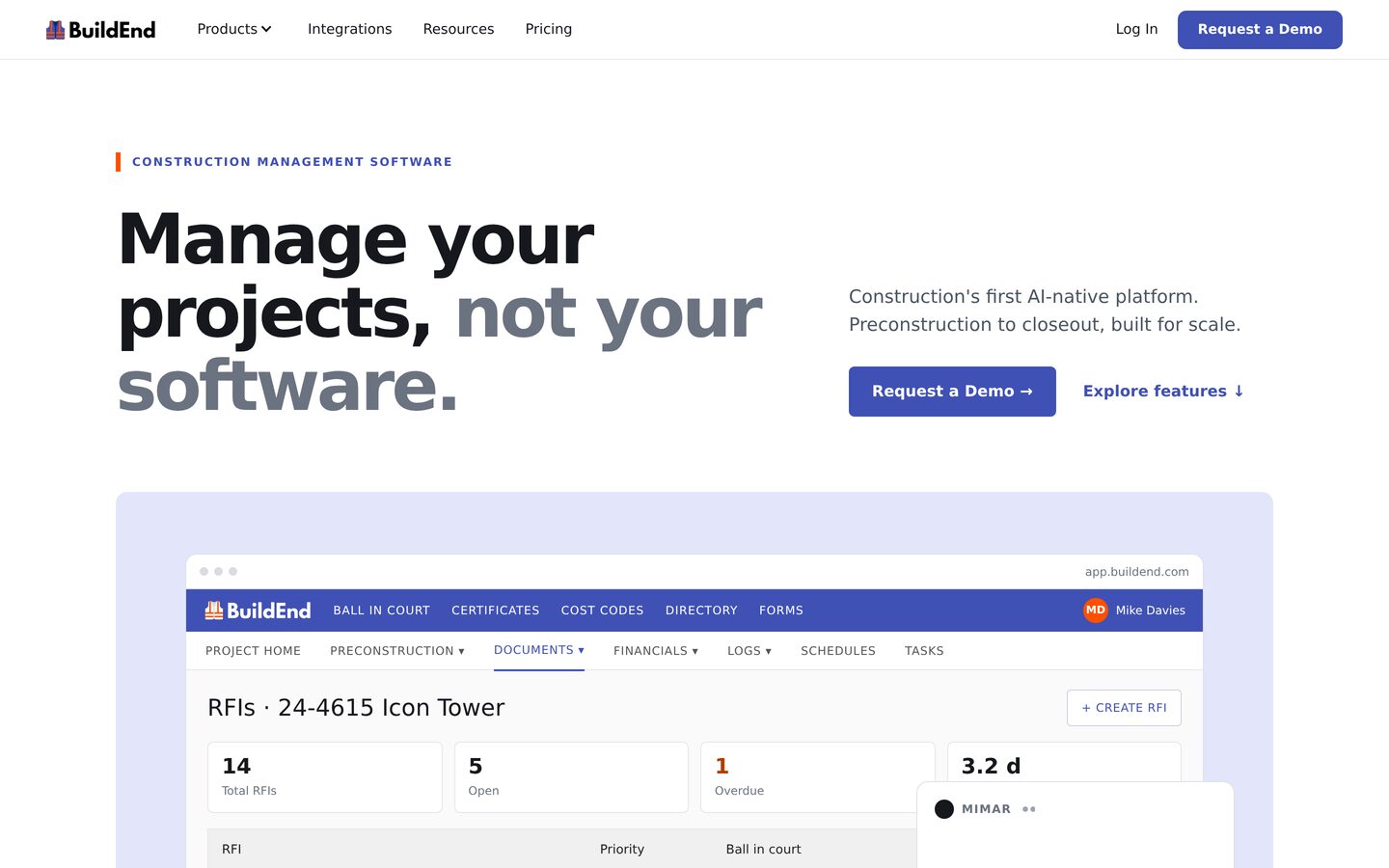
Buildend is construction management software that connects project budgets, commitments, approved changes and invoices by cost code, while your accounting system stays the system of record.
Who is Buildend best for?
Buildend fits GCs and specialty contractors with roughly 20 to 60 employees whose current platform leaves budgets and change orders in spreadsheets. It works best when one internal administrator owns the setup and the company runs QuickBooks, Sage or Yardi.
How Buildend tracks budgets
Buildend carries the approved estimate into the project budget with the same cost codes. Subcontracts and purchase orders are recorded against those cost codes, so committed cost updates as work is awarded. Approved change orders update the budget and become billable lines on the owner's payment application. The job costing view separates actual costs, remaining commitments and uncommitted work, so a low actual-cost total does not hide a projected overrun.
Buildend's main strengths:
- Budget, commitments, change orders and invoices linked to the same cost code.
- Configurable approvals and role-based permissions for financial records.
- Buildend-built connections to QuickBooks Online and Desktop, Sage 100 and Sage 300, plus Yardi. The QuickBooks Online integration syncs vendors, subcontracts, purchase orders, change orders, commitment invoices, direct costs and cost codes.
- Unlimited users, so subcontractors and accountants get access without seat fees.
Buildend pros and cons
| Pros | Cons |
|---|---|
| Commitments and change orders update the budget by cost code | Pricing is not published; you get a proposal |
| Accounting stays in QuickBooks, Sage or Yardi | Implementation, migration and training are quoted separately |
| Configurable approvals and permissions | Needs a named internal administrator to lead setup |
| One plan with every module | Few public reviews so far (2 on Capterra and 1 on G2, per Buildend's pricing page) |
Buildend pricing
Buildend charges a custom platform fee with unlimited users, unlimited storage and every module, priced on the number of projects rather than construction revenue. Migration, accounting integration and training are scoped in the proposal. See Buildend pricing.
Procore covers a similar workflow for larger commercial teams.
2. Procore
Procore is a construction management platform whose Project Financials suite covers budgets, commitments, change orders and forecasting, with accounting kept under the finance team's control.

Who is Procore best for?
Procore fits commercial GCs, specialty contractors and owners already on a construction accounting system such as Sage, Viewpoint or CMiC, and companies already running Procore for project management.
How Procore tracks budgets
Procore builds the budget by cost code and cost type. Commitments show committed, pending and projected impact on the budget, and pending and approved changes sync with the Budget tool. Monthly forecasts and cost-to-complete snapshots sit on top. Procore builds 14 accounting connectors itself. According to Procore's support documentation, the QuickBooks Online connector needs Plus or Advanced and does not sync budgets, commitments or change orders.
Procore's main strengths:
- Budget, commitments and change orders connected natively.
- The widest set of vendor-built accounting connectors in this guide.
- Workflows that route approvals for change orders, invoices and budget changes.
Procore pros and cons
Reviewers mostly report setup effort and cost for smaller firms:
- A G2 reviewer at a 1,001 to 5,000 employee company (November 2026) reported a "noticeable learning curve" and that "the overall cost can feel steep depending on company size and volume."
- A Reddit user in r/ConstructionManagers (October 2026) wrote that "the one part of it that always seams like a struggle is the Budgeting side of it."
For a full side-by-side, see Procore vs Buildend and Procore alternatives.
Procore pricing
Procore does not publish prices. It charges an upfront annual fee by product, based on annual construction volume, with unlimited users. There is no free plan or trial.
Residential builders usually compare Buildertrend instead.
3. Buildertrend
Buildertrend is an all-in-one platform for residential builders and remodelers that runs estimate, budget, purchase orders, bills and client invoicing in one flow.
Who is Buildertrend best for?
Buildertrend fits homebuilders and remodelers on QuickBooks Online, QuickBooks Desktop or Xero, especially teams that want a client portal for selections and change order approvals.
How Buildertrend tracks budgets
Buildertrend sends the estimate to the budget, with cost codes as the base of its financial features. Purchase orders track committed costs, and change orders are priced by cost code and approved by the client. According to Buildertrend's help center, a flat-fee change order does not allocate costs to specific cost codes. The QuickBooks Online sync pushes jobs, bills and invoices and pulls back actuals.
Buildertrend's main strengths:
- Estimate to budget to purchase order to invoice in one system.
- Client portal with change order e-signature and optional auto-invoicing.
- Unlimited users and projects.
Buildertrend pros and cons
Reviewers raise problems with tying job cost to the books and with integrations:
- A Reddit user in r/ConstructionManagers (November 2026) wrote: "Buildertrend's job cost never tied to the books, so nobody trusted it."
- A G2 reviewer, an admin at a 51 to 200 employee company (August 2026), wrote that it "is a closed system and currently does not offer APIs to connect to other systems."
A Sage integration did not appear in Buildertrend's documentation. See Buildertrend alternatives for other options.
Buildertrend pricing
Buildertrend does not publish prices; you request a quote. Plans include unlimited users and projects, with 10% off when you pay annually upfront.
For many small contractors, the accounting system is where the budget lives.
4. QuickBooks Online
QuickBooks Online is small-business accounting software with project profitability and job costing, and its Advanced plan adds construction financials.
Who is QuickBooks Online best for?
QuickBooks Online fits small subcontractors, trades and GCs who keep job costing in the books and do not yet need a separate project platform.
How QuickBooks Online tracks budgets
QuickBooks Online Plus offers budgets and project profitability, and Advanced adds budgets by phase and cost group, budget vs. actual and WIP reporting. QuickBooks has no cost-code object, so connectors map cost codes to products and services. Intuit's sources disagree on change orders: the Advanced marketing page lists them, while Intuit's help article lists them under Intuit Enterprise Suite. Confirm this in a trial.
QuickBooks Online's main strengths:
- No sync to maintain, because the budget sits in the ledger.
- Published monthly pricing and a 30-day free trial.
- The most common accounting target for construction PM integrations.
QuickBooks Online pros and cons
Reviewer complaints focus on construction depth, and some predate the fall 2026 Advanced construction release:
- A Reddit user in r/quickbooksonline (May 2026) wrote: "QBO just wasn't designed for WIP schedules or retention tracking."
- A G2 reviewer, an admin at a 2 to 10 employee company (November 2026), wrote that "navigating between purchase orders, invoices, and transaction details can be cumbersome."
QuickBooks Online pricing
QuickBooks Online is priced per subscription per month, with no annual contract. List prices on November 24, 2026:
- Plus: $140/month for 5 users, including job costing.
- Advanced: $340/month for 25 users, including construction financials, custom permissions and approval workflows.
For contractors comparing accounting platforms, see the top construction accounting and ERP software.
Some teams skip a construction platform and build the budget in a flexible grid instead.
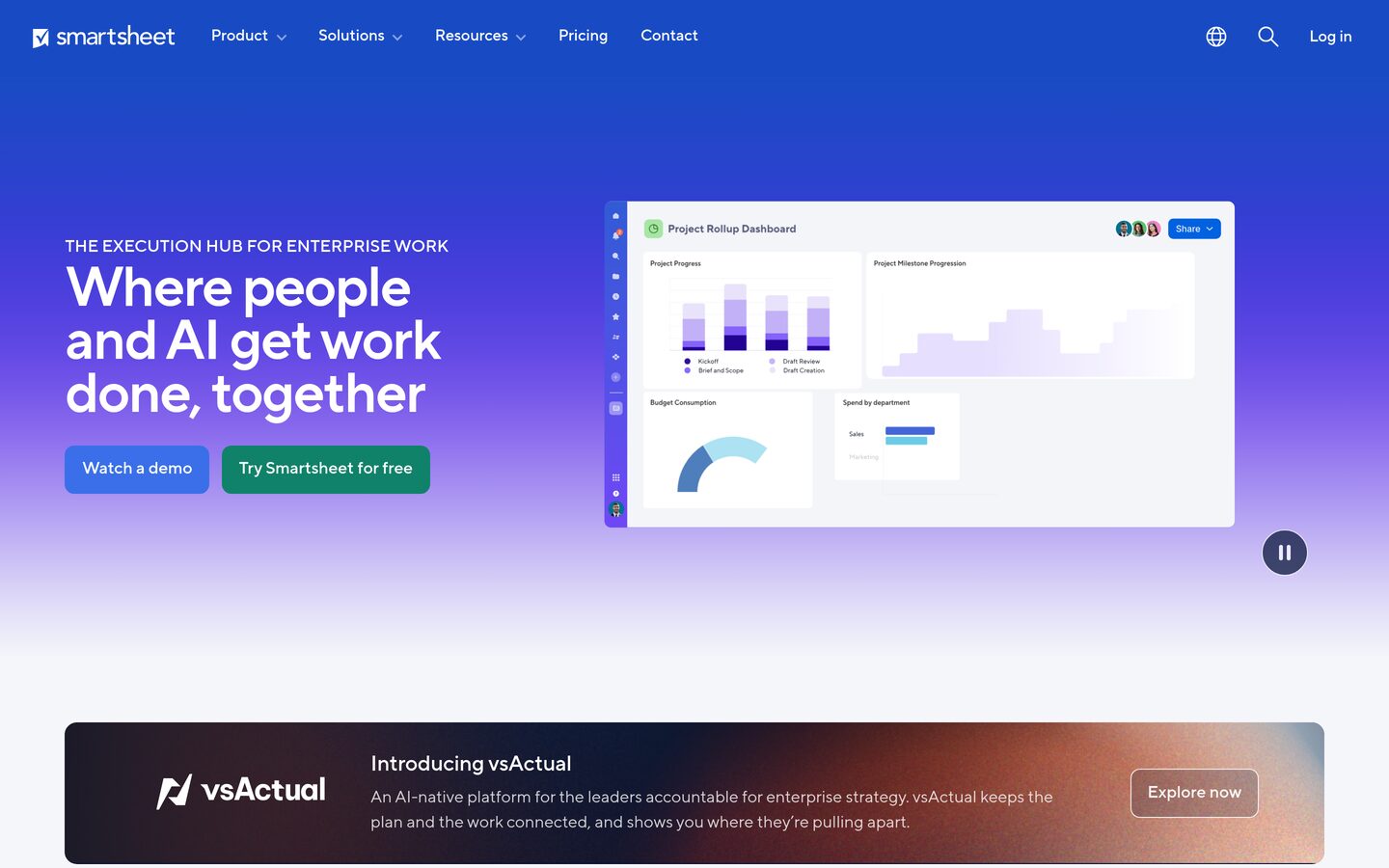
5. Smartsheet
Smartsheet is spreadsheet-style work management with formulas, dashboards and approvals that replaces emailed Excel files.
Who is Smartsheet best for?
Smartsheet fits teams that think in Excel and want shared sheets, schedules and logs. Construction teams use it for schedules, change order logs and simple budget vs. actual sheets.
How Smartsheet tracks budgets
Smartsheet budgets are formulas you build, and Smartsheet offers construction budget and change order log templates. Commitments and cost codes are columns you maintain by hand. QuickBooks Online connects through third-party connectors such as SoftwareX and Apex. Approval requests work on every plan.
Smartsheet's main strengths:
- A familiar Excel-like grid.
- Construction budget and change order templates.
- Approvals available on every plan.
Smartsheet pros and cons
Reviewers report problems with scale and speed:
- A G2 reviewer, a consultant (November 2026), wrote about "how restrictive the licensing costs become as you scale."
- A G2 reviewer (July 2026) reported it is "ridiculously slow, especially when links to other sheets cells are made."
Smartsheet pricing
Smartsheet offers a 30-day free trial. Pro costs $9 per member/month billed yearly for 1 to 10 members. Business costs $19 per member/month billed yearly, with a 3-member minimum. Enterprise is custom.
ClickUp takes the same build-it-yourself approach.
6. ClickUp
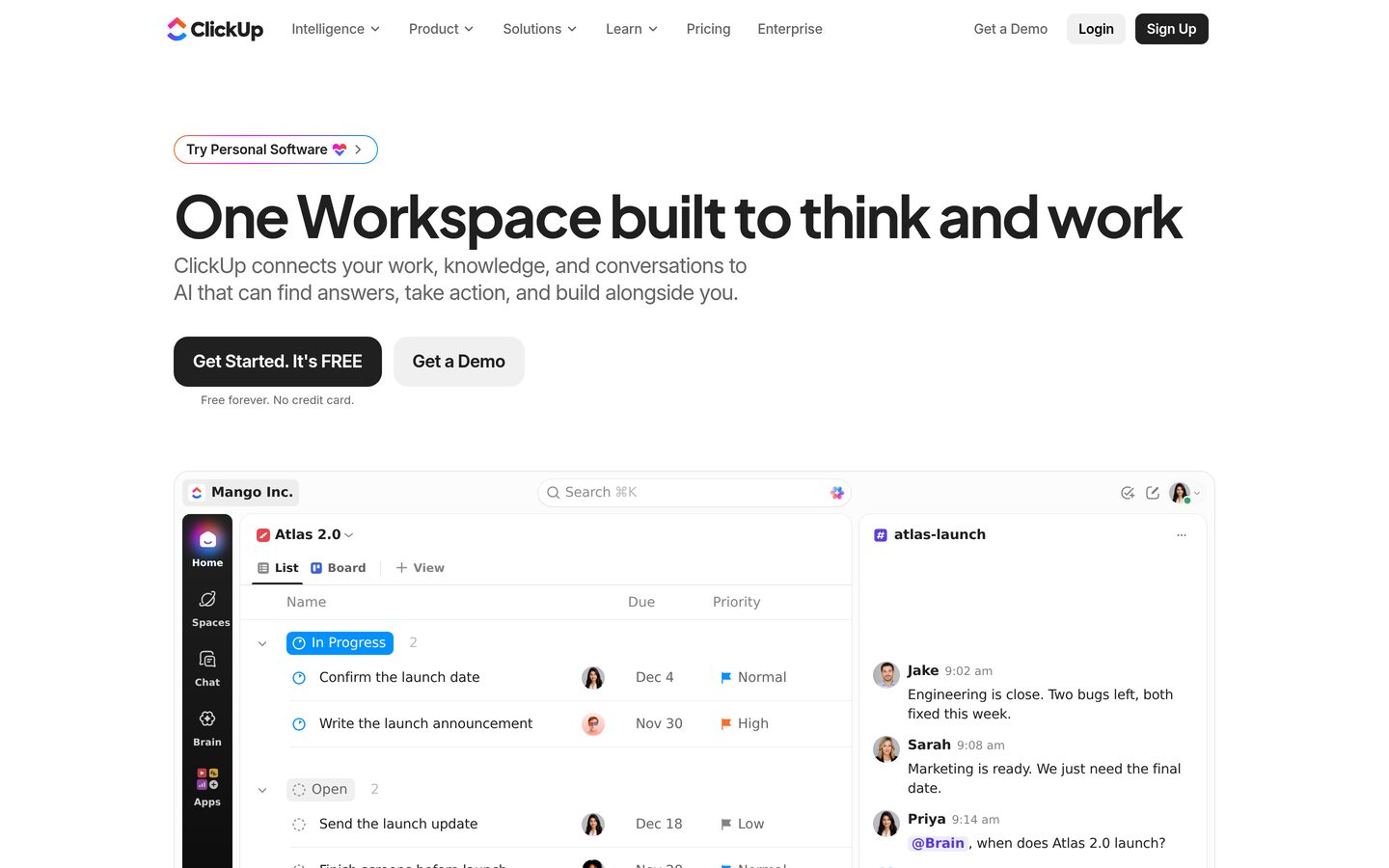
ClickUp is all-in-one work management for tasks, docs, dashboards and chat, with custom fields that hold budget numbers.
Who is ClickUp best for?
ClickUp fits small, cost-conscious teams willing to build their own budget fields. Construction teams use it mainly for tasks and schedules.
How ClickUp tracks budgets
ClickUp budgets are money fields plus formula fields, and ClickUp offers a construction budget template with budget, actual cost and over/under fields. Purchase orders, change orders and cost codes are tasks with custom fields you set up yourself. According to ClickUp's help center, the native QuickBooks Online sync needs a higher plan and syncs invoices one way into ClickUp.
ClickUp's main strengths:
- A free plan and a low entry price.
- Flexible formulas and dashboard roll-ups across projects.
- Tasks, docs and budgets in one tool.
ClickUp pros and cons
Reviewers report that budget tracking takes building and maintenance:
- A Reddit user in r/clickup (June 2026) wrote: "You have to build all of that out and maintain it."
- A G2 reviewer at an 11 to 50 employee company (November 2026) wrote that "capabilities a finance team genuinely needs… are locked behind Business Plus and Enterprise tiers."
ClickUp pricing
ClickUp has a free plan with limited custom fields and dashboards. Core costs $9 per user/month billed yearly. Business costs $17 per user/month billed yearly and is the practical minimum for budget dashboards. Enterprise is custom.
The last tool ranks for this keyword because agencies use it, and it fits one part of construction.
7. Scoro
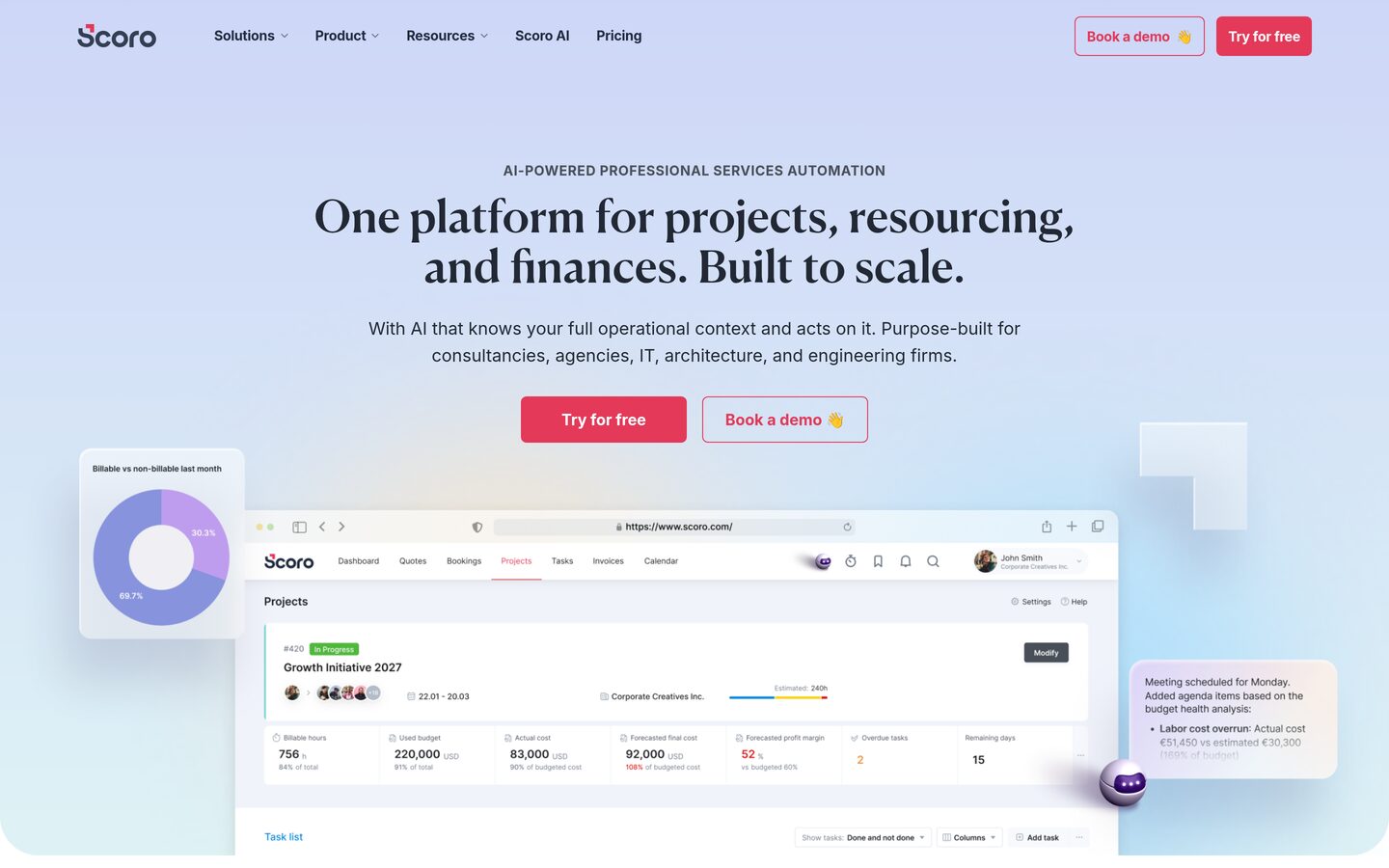
Scoro is professional services automation that turns a confirmed quote into a project budget and tracks hours, costs and invoices against it.
Who is Scoro best for?
Scoro fits service firms with five or more users, including engineering practices, VDC firms and the design side of design-build firms. It is not built for general contractor job costing.
How Scoro tracks budgets
Scoro uses the confirmed quote as the budget, with revenue as hours times selling price and labor cost as hours times labor rate. A quoted vs. actual table compares budget to actual line by line, and purchase orders reserve cost budget. QuickBooks and Xero connect natively, and Sage Intacct is a paid integration. Scoro's documentation does not confirm change order or cost code support.
Scoro's main strengths:
- The quote converts directly into the budget.
- Purchase orders track committed cost.
- Threshold approvals before records sync to accounting.
Scoro pros and cons
Reviewers report problems with setup and cost for small teams:
- A G2 reviewer at an 11 to 50 employee company (November 2026) wrote that the "initial setup and learning curve can be quite steep."
- A G2 reviewer (November 2026) wrote: "The cost can be a bit high, in particular for smaller teams."
Scoro pricing
Scoro offers a 14-day free trial. You choose at least two of its apps, starting from €15 per user per month, with a 5-user minimum. Annual billing takes 13 to 17% off.
Seven tools give you a shortlist, not a decision. The fastest way to decide is to run the same budget line through each one.
How to choose project management budget tracking tools: the one cost line test
Choose project management budget tracking tools by following one real cost code from budget to commitment, change order, invoice and accounting entry in every demo, and picking the tool that keeps that line accurate with the fewest manual steps. Feature lists look alike, but one cost line shows where the re-keying happens.
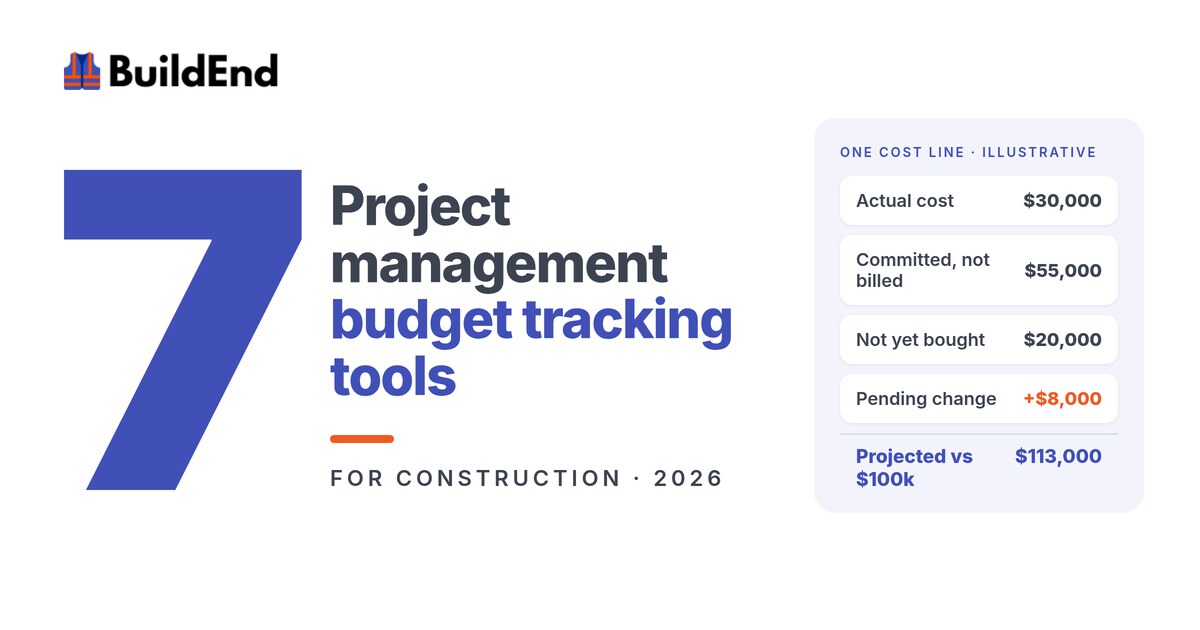
Take an illustrative $100,000 cost code. If the tool shows only actual cost, the line looks healthy with $30,000 spent. Add $55,000 still committed on the subcontract and $20,000 of work not yet bought, and the projected finish is $105,000, already $5,000 over budget. A pending $8,000 change order raises the exposure to $113,000. A good tool shows all of those numbers on the same line.
Run these five steps with your project accountant and your workflow champion in the room:
- Bring one cost code from a live job, with its budget, open subcontract, change orders and latest invoice.
- Enter the commitment and confirm the committed cost updates the budget line.
- Approve a change order and check who approves it, whether the budget moves and whether the change reaches owner billing.
- Post the invoice and confirm it links to the subcontract or purchase order it bills against.
- Follow the sync to QuickBooks or Sage and ask which records move, in which direction, how often and who fixes a failed sync.
The last step catches the most problems:
"Buildertrend or Procore… connecting to QuickBooks Online… there's a sync back and forth that breaks all the time."
- Wade Carpenter, CPA, Contractor Success Forum
When the sync breaks, your project administrator absorbs the work:
"my project administrator… spends hours every month going back and forth with subcontractors saying, hey, you billed for this change order. It hasn't been executed yet."
- Michael McKeon, Project Manager, Nordby Construction, Finance at the Jobsite
The same test exposes three buying mistakes:
- Buying the wrong type of tool. A professional-services tool budgets hours against a fee, so it has nowhere to put a subcontract change order.
- Trusting an integration logo. Ask which records sync for your exact accounting product and version.
- Moving every active job at once. Prove one workflow on one project, reconcile the opening totals, then expand.
For the structure behind this test, see construction cost codes explained and the construction budget example. To size a change, use the change order cost impact calculator.
The test results point to a type of tool before they point to a product.
Which project management budget tracking tool fits your team
The right project management budget tracking tool depends on where your budget changes come from: hours and fees, a simple budget column, or subcontracts and change orders that have to reach accounting. Match your situation to the list below:
- Choose Buildend if you are a 20 to 60 person GC or specialty contractor whose budgets and change orders live in spreadsheets next to QuickBooks, Sage or Yardi.
- Choose Procore if you already run Procore or a construction accounting system such as Sage 300 CRE, Viewpoint or CMiC.
- Choose Buildertrend if you build or remodel homes and want client-approved change orders in a homeowner portal.
- Choose QuickBooks Online Advanced if you are a small contractor who wants job costing inside the ledger.
- Choose Smartsheet or ClickUp if you only need a budget column next to the schedule and one person keeps it current.
- Choose Scoro if you are a design or engineering firm that budgets by hours and fees.
Start today by picking one cost code from your largest active job and writing down every place its numbers live. If that list includes a spreadsheet nobody else can edit, bring that cost code to a Buildend demo and run the one cost line test. For the day-to-day process, read the construction budget tracking guide.
FAQs
What is the best budget tracking tool for construction projects?
The best budget tracking tool for construction projects tracks budget, commitments, change orders and invoices by cost code and syncs them to your accounting system. Buildend, Procore and Buildertrend do this natively. Buildend fits mid-size GCs and specialty contractors, Procore fits larger commercial teams and Buildertrend fits residential builders.
Can Excel track a construction project budget?
Excel tracks a construction project budget when one person owns the sheet and the source records are easy to find. It breaks down when several people update commitments and change orders, because every change has to be re-keyed into accounting.
Are there free project management budget tracking tools?
ClickUp has a free plan with limited custom fields and dashboards, and Smartsheet offers a 30-day free trial. Neither tracks commitments or change orders without manual setup. Buildend, Procore and Buildertrend price by custom quote.
What is the difference between project management software and accounting software for budgets?
Project management software tracks the records that change a budget, such as subcontracts, purchase orders and change orders, while the project runs. Accounting software records the money that has posted. A construction team needs both, connected, so the project budget and the books agree.